


2026 Monthly Newsletters & Holiday Campaign Tokens for BoldTrail!
Updated: Nov 11, 2025
Are you looking to share or add a shared "Token" for Smart Campaigns inside BoldTrail? This is super easy!
Go to Marketing > Smart Campaigns, then paste the "Token", click Enter and you will receive an email in a couple minutes that the Toke was successfully added!
Go back to your campaigns, click on the new campaign to see what the "Trigger" is for this and activate - Or Clone to be able to edit!

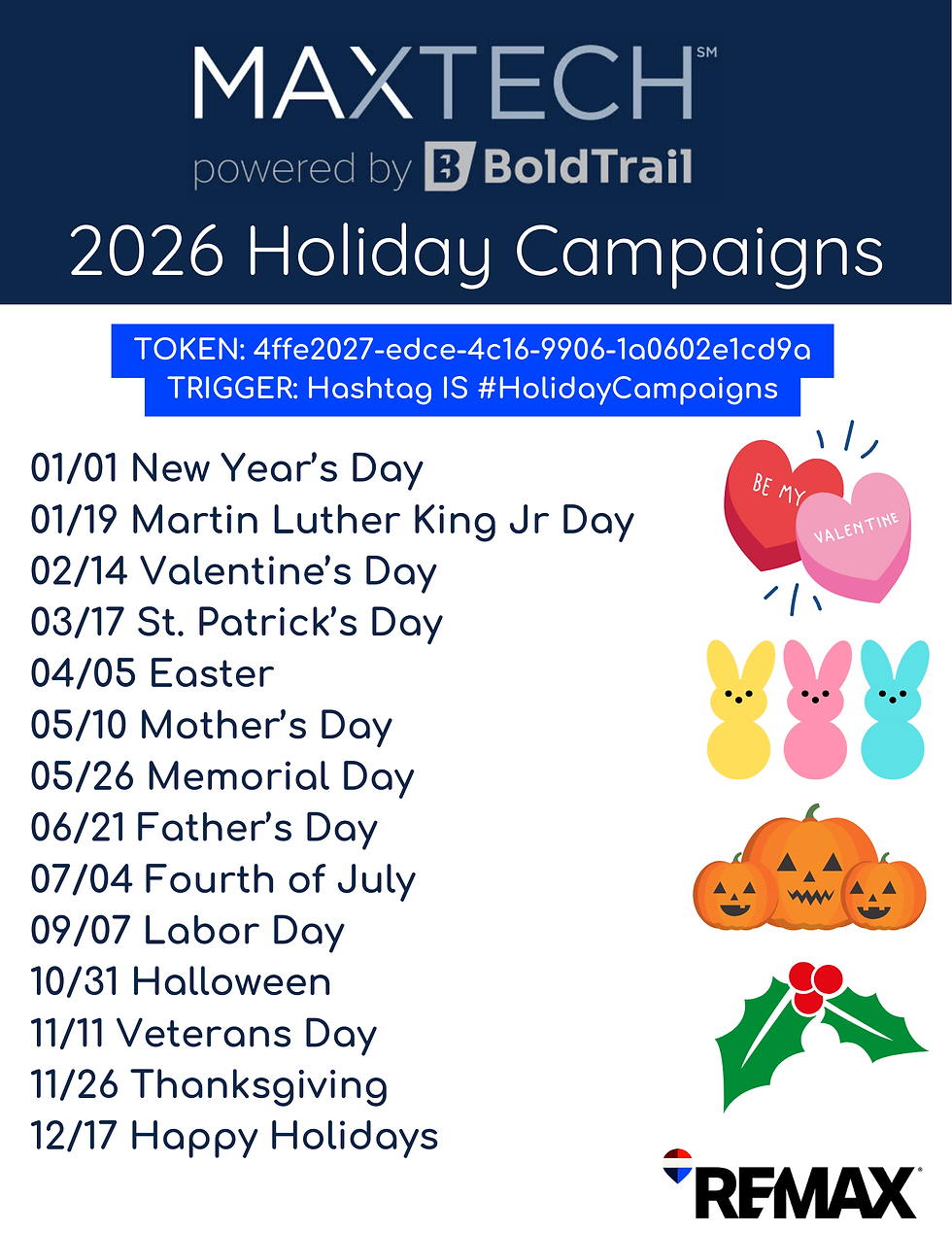
My 2026 REMAX Holiday Campaign:
2026 REMAX Holiday Campaign:
Token: 4ffe2027-edce-4c16-9906-1a0602e1cd9a
This Campaign begins on Labor Day 2025 and includes the remainder Holidays of 2025 and through all of 2026! (Branded to REMAX)
Hashtag is HolidayCampaigns
2026 Unbranded Holiday Campaign:
Token: 8d72e068-530e-4f86-8230-392b7786958b
This Campaign begins on Halloween 2025 and includes the remainder Holidays of 2025 and through all of 2026! (No Branding)
Hashtag holidaycampaign2026
Monthly Newsletters for 2026 (Unbranded):
Schedule Manually or add hashtag HomefrontMonthly to contacts for auto send inthe 1st of each month. Token: 7add0cb9-4a75-4118-bec5-2b7f1a585e54
Hashtag HomefrontMonthly
Watch this video on adding tokens & editing campaigns:
Use the token to get the emails inside your BoldTrail and add hashtag for auto sending OR schedule yourself using the Scheduled Mass E-Mail option (that is what I do so I can easily schedule to send to everyone without having to figure out who has the hashtag or not)! Take 20 minutes and schedule all holidays for the year and it will send to all contacts in your database!
Watch my October Class for Marketing for the Holidays


Comments